
Import Shopify data from Google Sheets
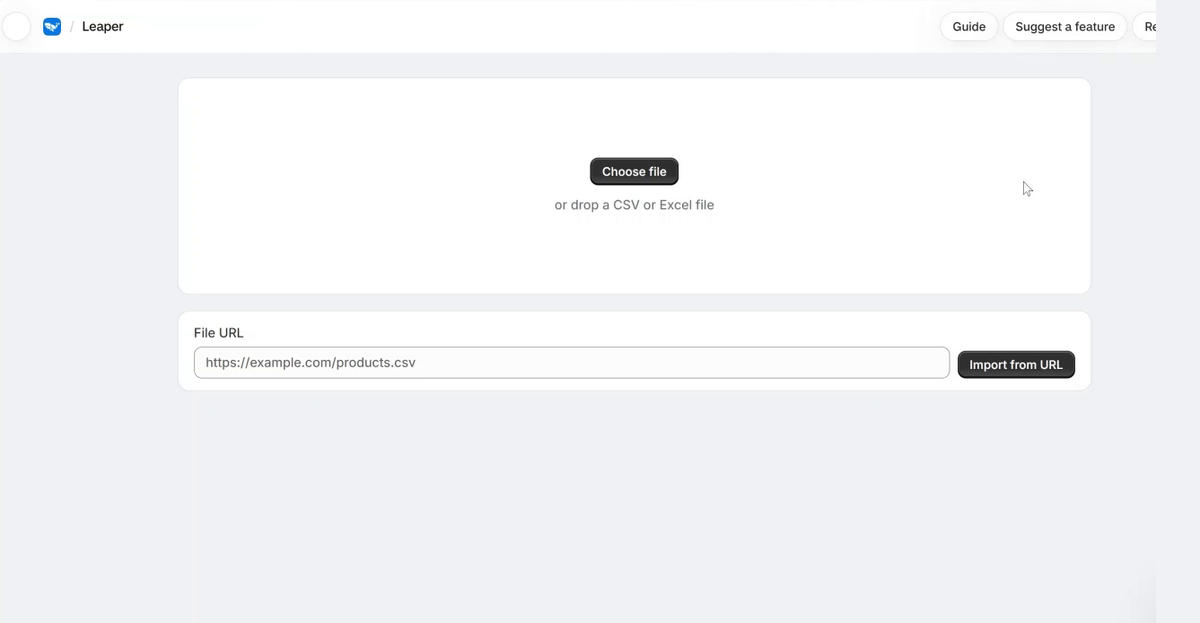
Share the sheet to anyone with the link, paste that URL into File URL. Leaper fetches a snapshot. It does not write back to Google.
This is not a Google account connection. You share the spreadsheet, paste the link, Leaper pulls a copy. File URL on Import is the same field as import from a URL. The difference is how you prepare the source.
Share the sheet
- In Google Sheets, Share, Anyone with the link, Viewer.
- Copy the link.
- First row must be headers Leaper knows (Handle, Variant SKU, …).
Steps in Leaper
- Open Import. Paste the share URL into File URL.
- Analyze. Keep Dry run on.
- Read Import Comment. Write when it is right.
What the sheet looks like
What a dry-run comment looks like
What fails
- Restricted to specific people. Leaper cannot sign in as you.
- A tab name that is not a known sheet and not mappable.
- Empty first row.
FAQ
- Does Leaper update the Google Sheet?
- No. It fetches a snapshot. Result files download from Leaper, not into that Sheet.
- Anyone with the link?
- Yes. The fetch has no Google login. Restricted sheets fail.
- Several tabs?
- Known sheet names (Products, Orders, …) each start a job, same as Excel.
- Schedule?
- Schedule an import can reuse a File URL. The sheet must stay shared.