
Export Shopify data with chosen columns
On Export, open Columns and uncheck headers you do not want. Smaller files. Safer re-imports, because omitted columns are not in play.
Use this so a price export does not include Body HTML or images. Custom filename names the file. Minimum columns is what to keep for an update.
Steps
- Open Export. Select the sheet (Products, …).
- Open Columns. Uncheck headers you do not need.
- Run export. Download from the result.
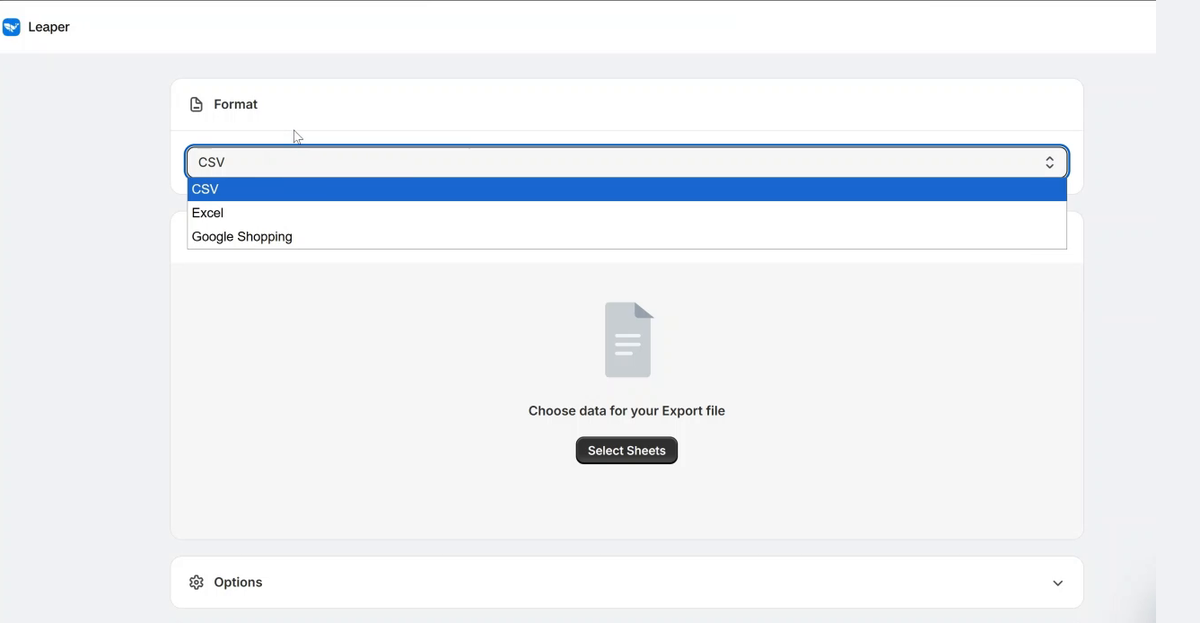
What a price-only export looks like
What fails
- Unchecking every column. Leave at least the identifiers you will match on.
- Re-importing a file that still has Compare At Price empty, which clears compare-at.
FAQ
- Does omitting a column clear it on import?
- No. Omitted columns are left as they are in Shopify. Empty cells in a column you kept can still clear, depending on the field. Minimum columns.
- Per sheet?
- Yes. Each selected sheet has its own column list.
- Can I save the column set?
- Saved presets are not in this product. Recheck Columns on the next export.