
Custom Shopify export file names
Results file under Export Options. Tokens %Y %m %d %H %M %S are UTC when the job starts. %{shop_subdomain} and %{job_id} are optional. Max 100 characters.
Use Results file when you want the download named on purpose. The default looks like Export_products_%Y-%m-%d.csv. Schedule repeats the job. Jobs is where you download it. There is no public file URL.
Tokens
| Token | Meaning | Example (UTC) |
|---|---|---|
| %Y | Four-digit year | 2026 |
| %y | Two-digit year | 26 |
| %m | Month, 01-12 | 11 |
| %d | Day, 01-31 | 28 |
| %H %M %S | Hour, minute, second (UTC) | 23, 15, 04 |
| %{shop_subdomain} | Shop subdomain | northmill |
| %{job_id} | Job id | From Jobs |
Steps
- Open Export. Select sheets and format.
- Under Options, Results file, set Export_products_%Y-%m-%d.csv or Export_%{shop_subdomain}_%Y-%m-%d_%H%M%S.xlsx.
- Run export. Download from Jobs. The filled name looks like Export_products_2026-11-28.csv.
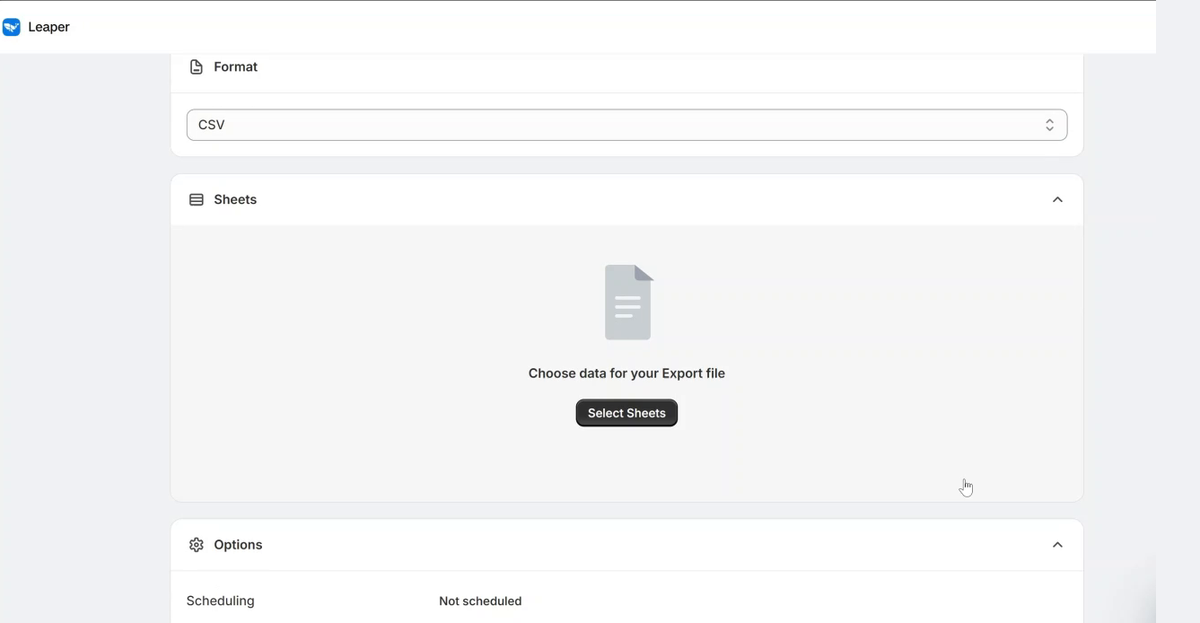
Filled example
What fails
- A name longer than 100 characters after filling. It is trimmed.
- Assuming tokens use the shop timezone. They use UTC.
FAQ
- Is the time shop timezone?
- Filename tokens are UTC when the job starts. Scheduling time is the shop timezone. They are different.
- Scheduled exports overwrite one URL?
- No. Each run is a Jobs row with its own file. %{job_id} keeps names distinct.
- What characters are stripped?
- \ / : * ? " < > | and extra spaces. The format extension (.csv, .xlsx, .tsv) is applied from Format.