
Shopify CSV vs Leaper Excel and CSV
Shopify admin import is a UTF-8 product CSV, 15 MB, not Excel. Leaper imports that CSV, and also Excel, a ZIP of CSVs, dry run, and 23 sheets.
Shopify admin import is built for a product CSV. It is not Excel. People hit that limit, then look for an app that can take the same file, a larger file, or a workbook with several sheets. This page is the difference. It is not a replacement for admin. You can still use admin for a small product CSV.
Leaper also imports that Shopify product CSV. It maps common headers, then you dry-run. The how-to is Import a Shopify CSV into Leaper. This page is the comparison.
What Shopify admin import accepts
- CSV, UTF-8, comma-separated. Not .xlsx.
- Product CSV is the main admin import. Customer CSV exists too. Orders are export-only in admin.
- 15 MB per products, inventory, or customers file.
- Updating products needs URL handle and Title on the Shopify template.
- Excel often drops leading zeros on SKUs and barcodes if you double-click the CSV. Import through Data, set those columns to Text.
What Leaper accepts
- CSV, Excel .xlsx, and a ZIP of CSV files. .xls is not supported.
- Excel can pack several known sheets. Each known tab starts its own import job.
- Files up to 20 GB. A browser upload is practical around 5 GB.
- 23 sheets, including orders, metafields, redirects, and companies. Payouts and Activities are export only.
- Dry run writes Would create, Would update, or Would delete and does not write to Shopify.
- A result file with Import Result and Import Comment on every row.
- Ignore ID when the file came from another shop. Import from a URL or a saved FTP server.
The same three products
Shopify’s product CSV uses URL handle and SKU. Leaper’s Products sheet uses Handle and Variant SKU. Leaper maps the admin names when it recognizes the file.
Dry-run result of that CSV
How to import a Shopify product CSV
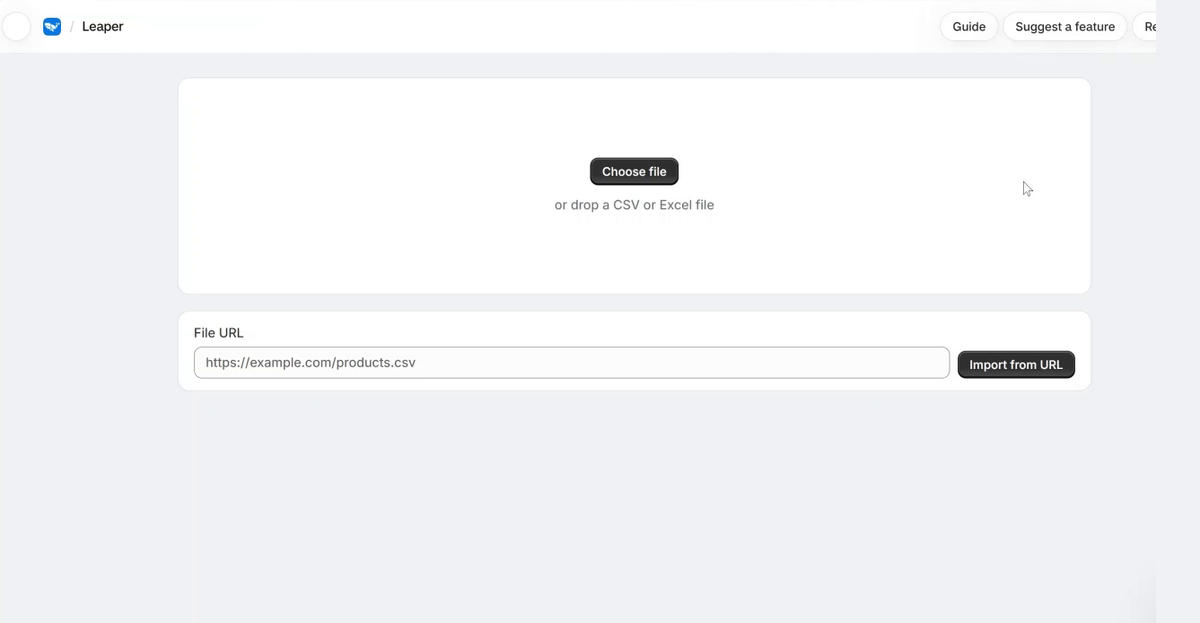
The full steps live on Import a Shopify CSV into Leaper. Short version: open Import, choose the CSV, wait for analysis, keep Dry run on, read Import Comment, then uncheck Dry run to write.
FAQ
- Can I import an Excel file in Shopify admin?
- No. Admin product import is CSV UTF-8. Save as CSV UTF-8, or import the .xlsx in Leaper.
- What is the admin file size limit?
- Shopify’s product, inventory, and customer CSV import is 15 MB per file. Leaper accepts files up to 20 GB. A browser upload is practical around 5 GB.
- Will a Shopify product CSV update existing products?
- Yes, if Leaper can match the row. Matching is ID, then Handle, then Title. Run a dry run first. Full steps: Import a Shopify CSV.
- Do I need a Command column?
- No. Empty Command is MERGE: update a match, or create the product when there is no match.
- Does .xls work?
- No. Save as CSV or Excel .xlsx.