
Migrate WooCommerce to Shopify with a file
Woo product CSV (Type simple/variable/variation, Name, SKU, Regular price). Also converters for orders, customers, collections, redirects, coupons. No login.
Export CSV in WooCommerce. Import the file in Leaper. Detection uses Type values simple, variable, variation, grouped, external, plus Name/SKU. Categories become Custom Collections as handles. Yoast title maps to SEO Title when present. Woo product id is stored as Metafield: woo.id.
Columns
| Need | Woo header → Leaper |
|---|---|
| Title | Name → Title |
| Handle | Slug, or generated from Name / SKU |
| SKU / price | SKU → Variant SKU. Regular price → Variant Price. Sale price → Compare At / sale handling in the converter. |
| Body | Description → Body HTML. Short description is separate in the map. |
| Collections | Categories → Custom Collections (handles) |
| Images | Images (comma-separated URLs) → Image Src |
Steps
- In WooCommerce, export products (and optionally orders, users, coupons).
- Import each file in Leaper. Converted from WooCommerce forces Dry run and Ignore ID.
- Read Would create. Uncheck Dry run to write.
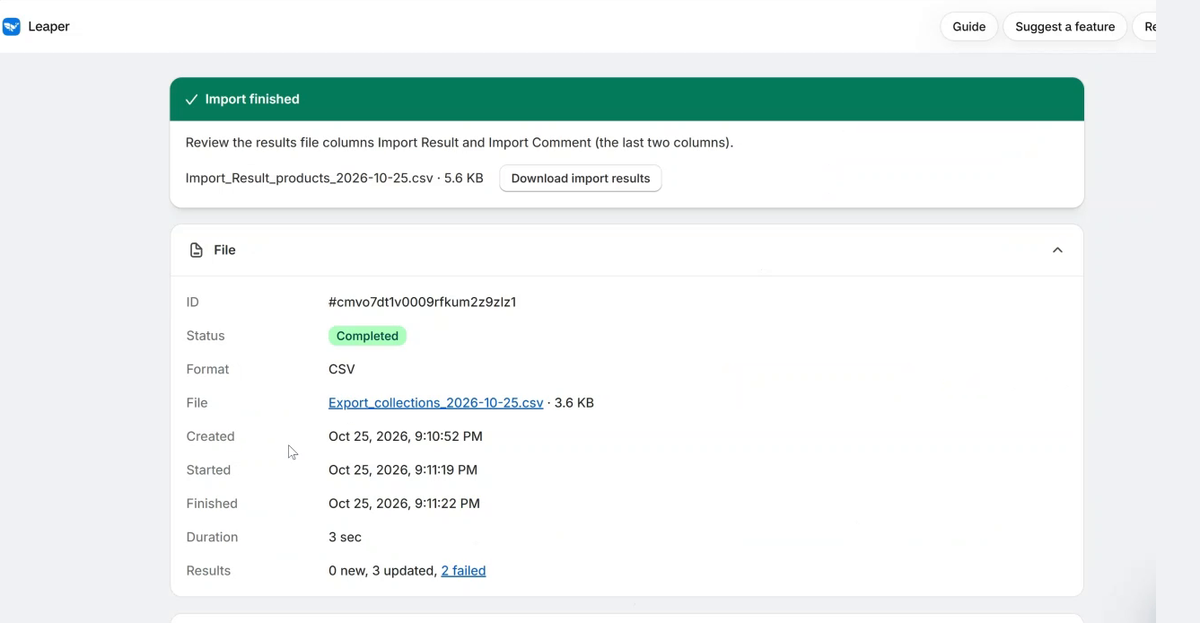
What a dry-run comment looks like
What fails
- A Shopify products file with Command already in it. That is not Woo detection.
- Images that are not https URLs.
Other Woo files
- Orders, customers (users), collections, redirects, and coupons have converters. Import those CSVs the same way. They are not a live Woo connection.
FAQ
- Does Leaper log in to WooCommerce?
- No. Export a file there, import the file here.
- Why is Dry run stuck on?
- Converted catalogs force Dry run and Ignore ID. Uncheck Dry run when Import Comment looks right.
- Will old IDs update the wrong products?
- Ignore ID is on for converted catalogs. Matching is Handle, then Title, then SKU.
- Collections missing?
- A missing collection handle is a Warning: Collections skipped: not found {handle}. Create the collection or drop that value.