
Export Shopify orders to Excel or CSV
Orders sheet. Full history uses read_all_orders. One row per line. Customers and draft orders are other sheets.
Use this for a working file: tags, tracking, fulfill, refund, archive. Update orders is the write for tags, note, and email. Customers is a different sheet.
Steps
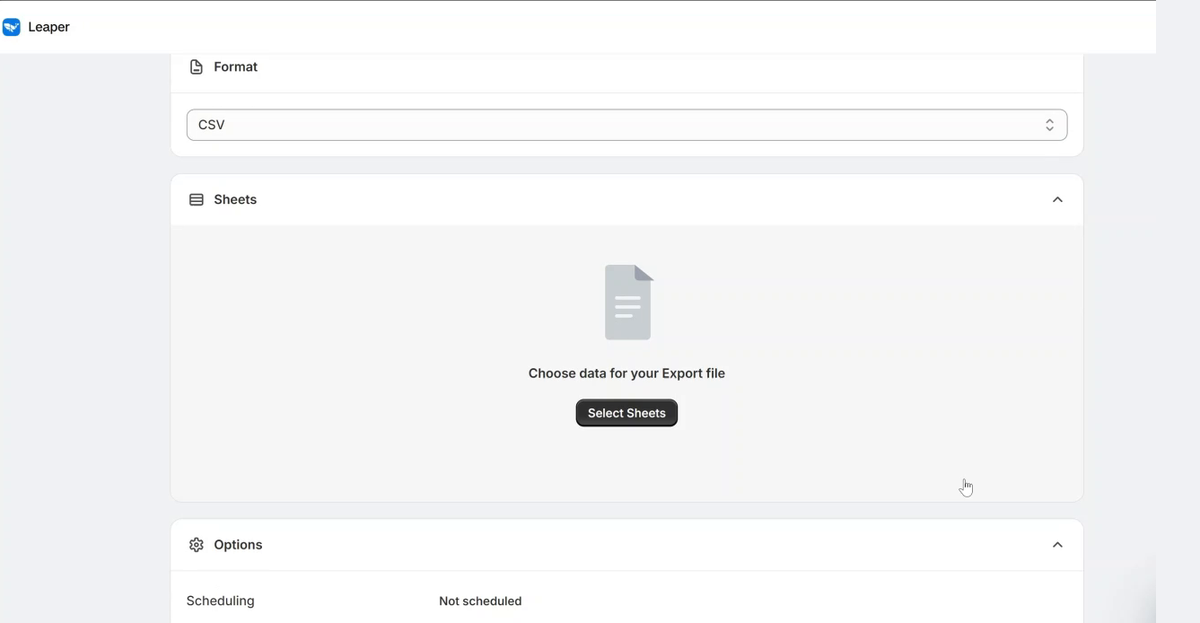
- Open Export. Select Orders. Uncheck other sheets you do not want.
- Optional: Set Filters (Shopify search syntax for orders).
- Optional: Select Columns. Keep Name, plus the fields you will edit.
- Run export. Download from Jobs.
What the file looks like
What fails
- A filter that matches nothing still finishes with headers only.
- This file is not Customers. Email here is the order email.
FAQ
- Does this include every order?
- Yes, the export uses Shopify’s full order history access. Filters on Export still limit the file (for example financial_status:paid).
- One row per order?
- One row per line. Repeat Name. Order fields are on every row of that group.
- Can I create paid orders from this file?
- No. A captured paid create is refused. Import unpaid orders.