
Bulk update Shopify orders
Match ID then Name. Update tags, note, and email on an existing order. Empty Command is MERGE. Captured paid create is a different job and it fails.
Use this when the order already exists and you are changing tags, note, or email. Fulfill, tracking, refund, and archive are their own columns. Import unpaid orders is create.
Columns
| Need | Columns |
|---|---|
| Minimum | Name, plus Tags and/or Note and/or Email. |
| Recommended | ID, Name, Email, Tags, Note. |
| Empty cells | Empty Email clears it. Empty Note clears it. Empty Tags is ignored (tags stay). |
Steps
- Export Orders with Name and the fields you will edit.
- Drop Financial Status unless you are creating (you are not, on this page).
- Import, Dry run on.
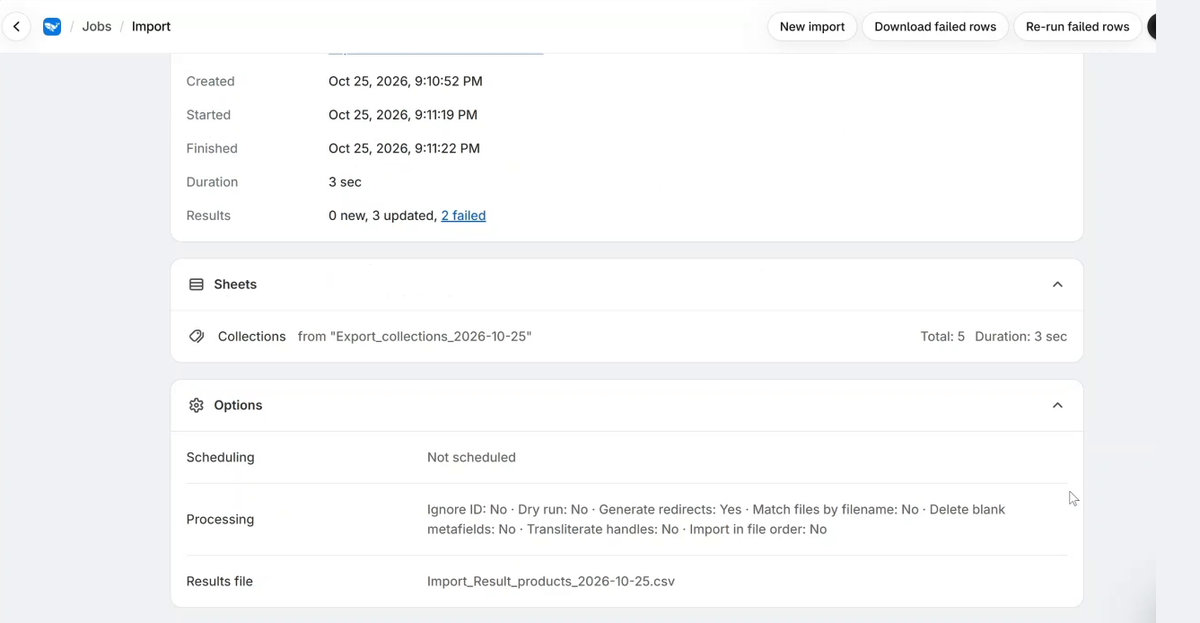
What a dry-run comment looks like
What fails
- Name not found: Order not found. Orders import cannot create paid orders.
- Command DELETE: Deleting orders is not supported.
- Trying to create a captured paid order. That comment is Shopify refuses creating a captured paid order. Use unpaid or pending Financial Status, or import a Draft Order.
FAQ
- Can I cancel an order from this file?
- No. There is no order cancel import.
- Fulfillment?
- Fulfill orders. Fulfillment Status FULFILLED.
- Empty Tags?
- Ignored. Tags stay. Empty Note and empty Email clear those fields.
- Match?
- ID, then Name. Prefer ID from an export.