
Schedule a Shopify store backup
Export the sheets you care about, optionally on a schedule. Restore is an import of that file. This is not a theme backup and not a public file URL.
Use this to keep a file of Products, Collections, and the rest. Restore is the same import path as any other file. Themes, apps, and checkout settings are not in these sheets.
Steps
- Open Export. Select the sheets you need (Products, Collections, Pages, Redirects, Customers, …).
- Format Excel if you want several sheets in one workbook.
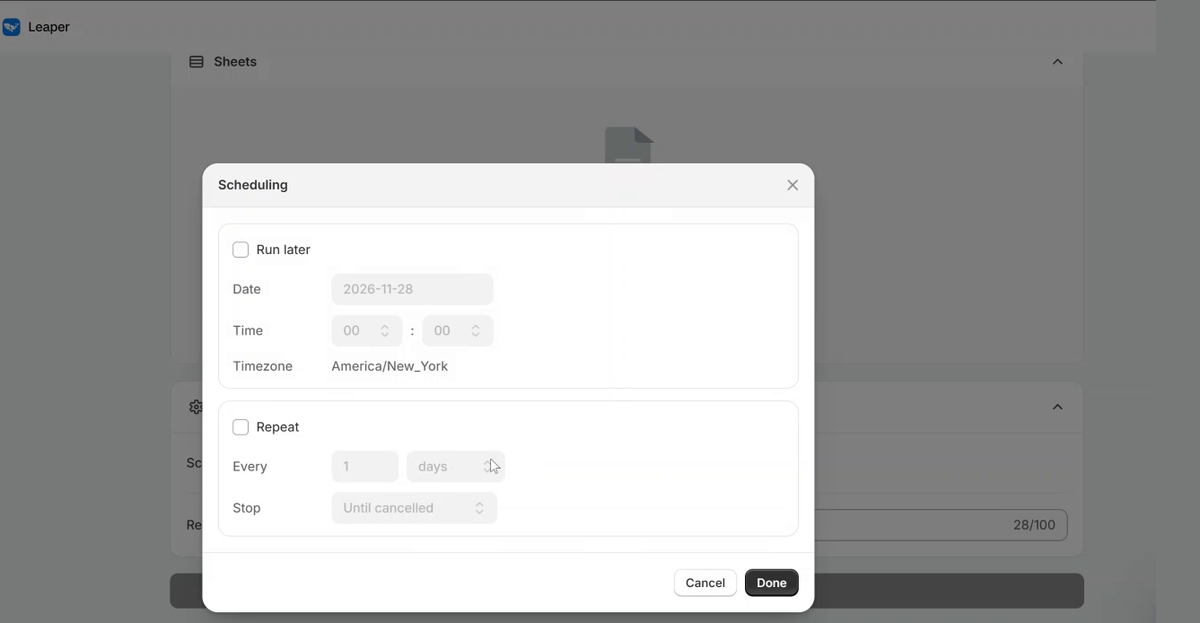
- Optional: set a schedule.
- Download from Jobs. Store the file yourself. There is no public export URL in this product.
What a product backup looks like
Restore
Import the file. Dry run. Would update on matches, Would create on new handles. Import checklist.
What fails
- Expecting theme files in this backup. Not included.
- Importing Payouts or Activities. Export only.
FAQ
- Full shop in one click?
- Select every sheet you need on Export. Payouts and Activities export but cannot restore via import.
- Schedule?
- Schedule. Download each run from Jobs.
- Restore?
- Import the file. Dry run first. Ignore ID if you are restoring onto another shop. Clone store.