
How Leaper matches Shopify products on import
The file decides. Order is ID, then Handle, then Title. Variant SKU is a fallback, or Variant SKU [ID] to force it. Duplicate titles or SKUs fail instead of updating the wrong product.
Matching is how Leaper decides which Shopify product a row is. It is not a guess. The columns in the file pick the key, in a fixed order. This page is the engine. Update by SKU is the job when SKU is the key you want. Clone a store is Ignore ID on a file from another shop.
Match order
If ID, Handle, or Title is in the file, variant keys are not used to find the product, even if SKU is also present. Put [ID] after Variant SKU to force SKU matching anyway. On Import you can also set Match by Variant SKU.
| Column | When it is used | Example |
|---|---|---|
| ID | First. Filled in by an export. Leave it empty when the product is new. | 8123456789012 |
| Handle | Second. | wool-coat |
| Title | Third, when ID and Handle are not in the file. | Wool coat |
| Variant SKU | When ID, Handle, and Title are missing, or when the header is Variant SKU [ID]. | WOOL-M |
| Variant Barcode | After Variant SKU in that same fallback. | From the export |
Match by Handle
Force SKU matching
Use this when Handle in the file is wrong or missing, and SKU is the stable key. Empty Variant SKU still clears the SKU if you keep that column and you are updating the value. For a price-only file, keep SKU filled.
Ignore ID (another shop)
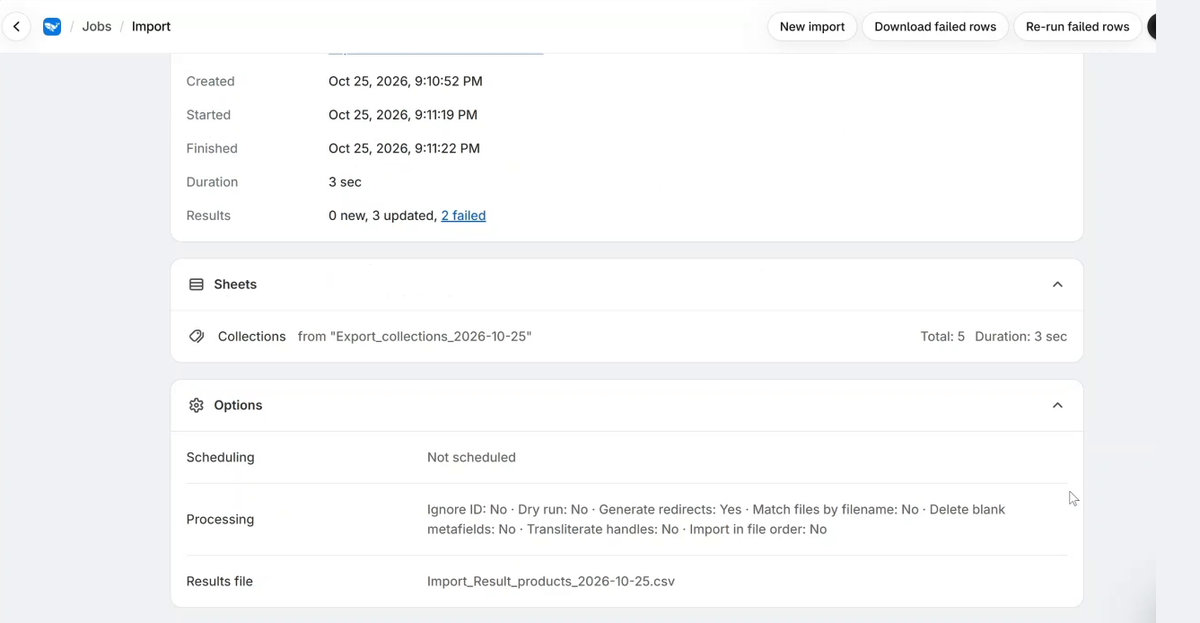
Ignore ID skips the ID column. Use it when the file came from another shop. It also blanks related variant and collection product IDs, and remaps metafield references by handle. Converted catalogs force this on.
Duplicates fail
Two products that share a Title, when Title is the match column, fail instead of updating the wrong product. The same for a shared Variant SKU when matching by SKU.
Match by on Import
Products-only option. Default is ID, then Handle, then Title. The other choice is Variant SKU. Use it when every row should match on SKU even if Handle is in the file.
FAQ
- If the file has Handle and SKU, which one is used?
- Handle. Variant SKU is only used when ID, Handle, and Title are missing, unless the header is Variant SKU [ID] or you set Match by Variant SKU on Import.
- Can I match on barcode?
- Yes, as a fallback after Variant SKU when ID, Handle, and Title are missing, or with Variant Barcode [ID].
- How do I create a new product?
- Leave ID empty. Handle should be unique. Empty Command is MERGE, which creates when there is no match. NEW on an existing product is skipped as already exists (IMP001).
- The file came from another shop.
- Turn on Ignore ID. Those IDs are not this shop. Converted catalogs force Ignore ID on.