
Import Shopify draft orders in bulk
Draft Orders sheet, not Orders. Empty Command is NEW. Keep ID to update. A captured paid order is not created here either.
Use this to create or edit drafts. Completing a draft into an unpaid order is the Orders NEW path. This sheet stays a draft until you complete it in Shopify. Import unpaid orders completes via a draft on the Orders sheet.
Columns
| Need | Columns |
|---|---|
| Minimum, create | Line: Title or variant, Line: Quantity. Empty Command is NEW. |
| Minimum, update | ID from an export, Command MERGE or UPDATE, plus the fields you change. |
| Empty cells | Without ID, empty Command creates another draft. Export first to update. |
Steps
- Use a Draft Orders tab or CSV, not Orders.
- Create: leave ID empty. Update: keep ID.
- Import, Dry run on.
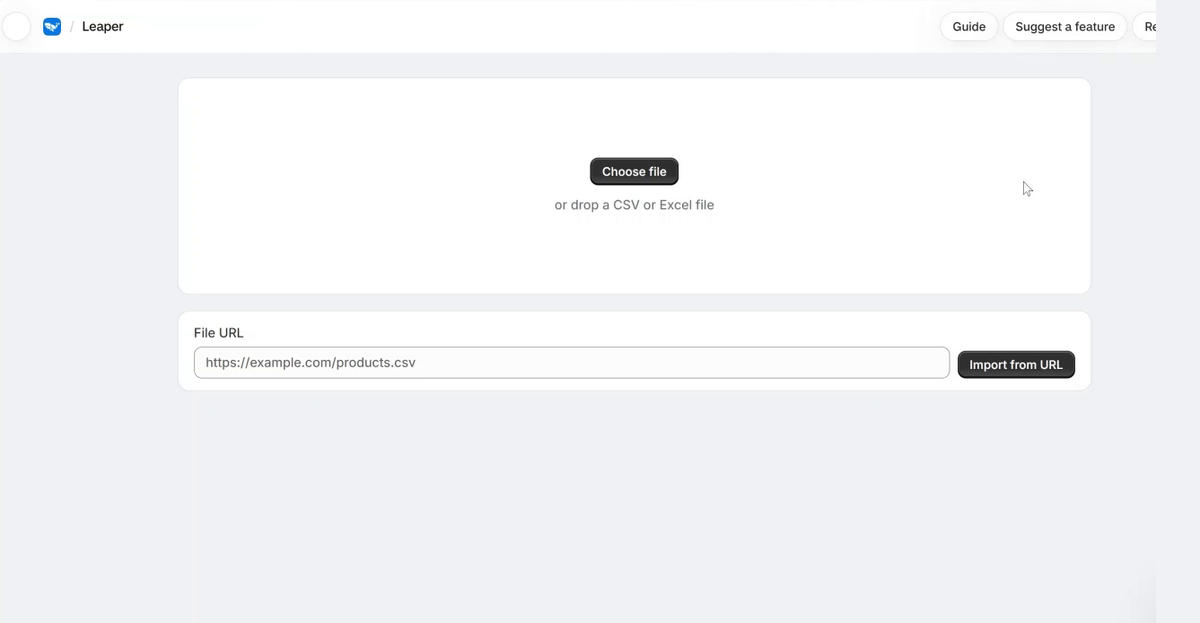
What a dry-run comment looks like
What fails
- Updating without ID creates another draft.
- NEW when ID already exists fails.
- This is not Orders. Paid create is still not available here.
FAQ
- Why not MERGE by default?
- On Draft Orders, empty Command means NEW. Products and Orders use MERGE. Keep ID to update.
- Complete the draft?
- That is not this sheet. Completing is Shopify Admin or the unpaid Orders create path. Import unpaid orders.
- Line SKU?
- Must exist on this shop, same as Orders.